
MacOS Apple 芯片 MacOS Apple 晶片 MacOS Apple silicon
适合此设备 適合此裝置 Matches this device适用于 M1、M2、M3、M4 及更新机型 適用於 M1、M2、M3、M4 及更新機型 For M1, M2, M3, M4, and newer Macs
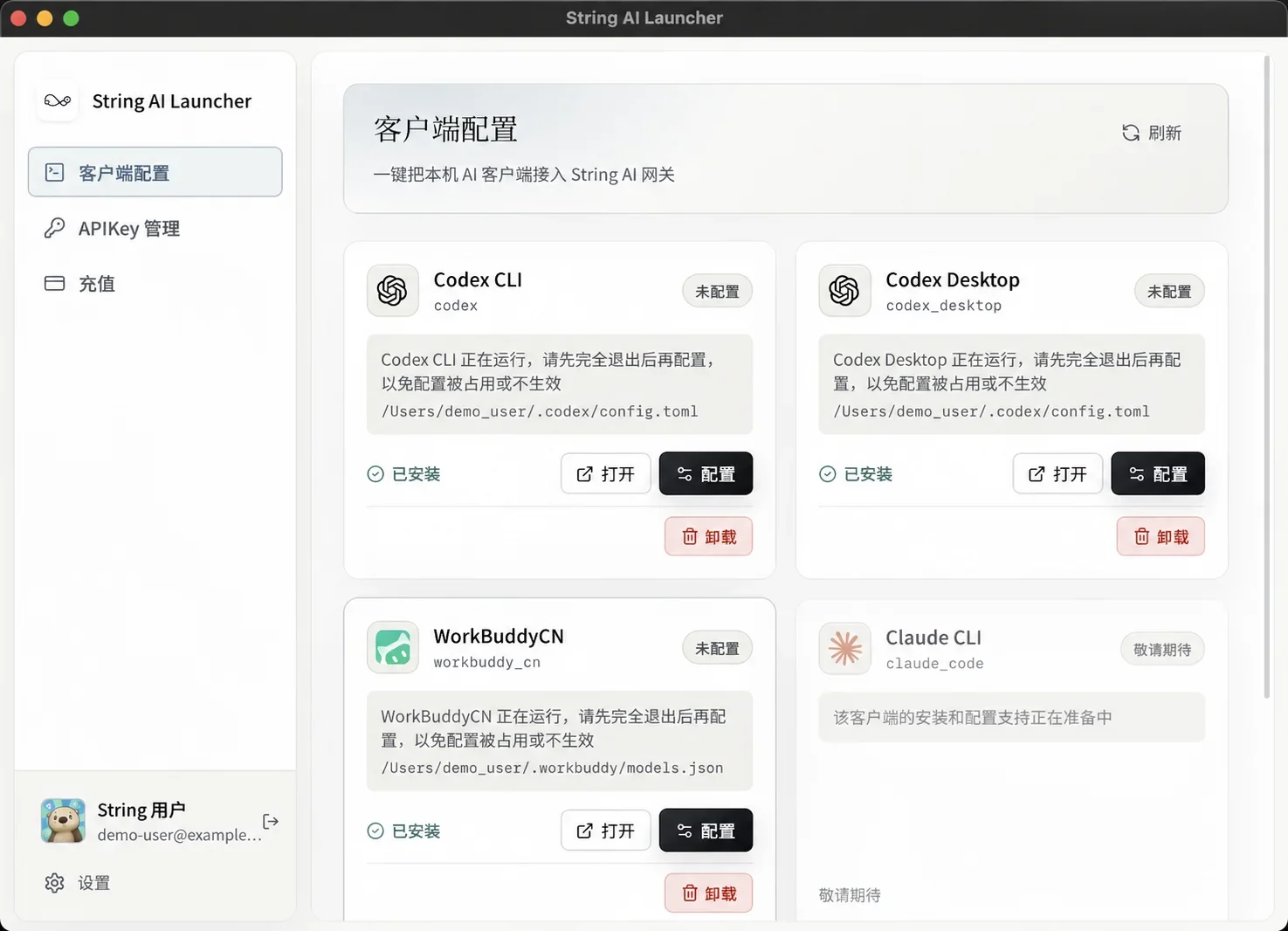
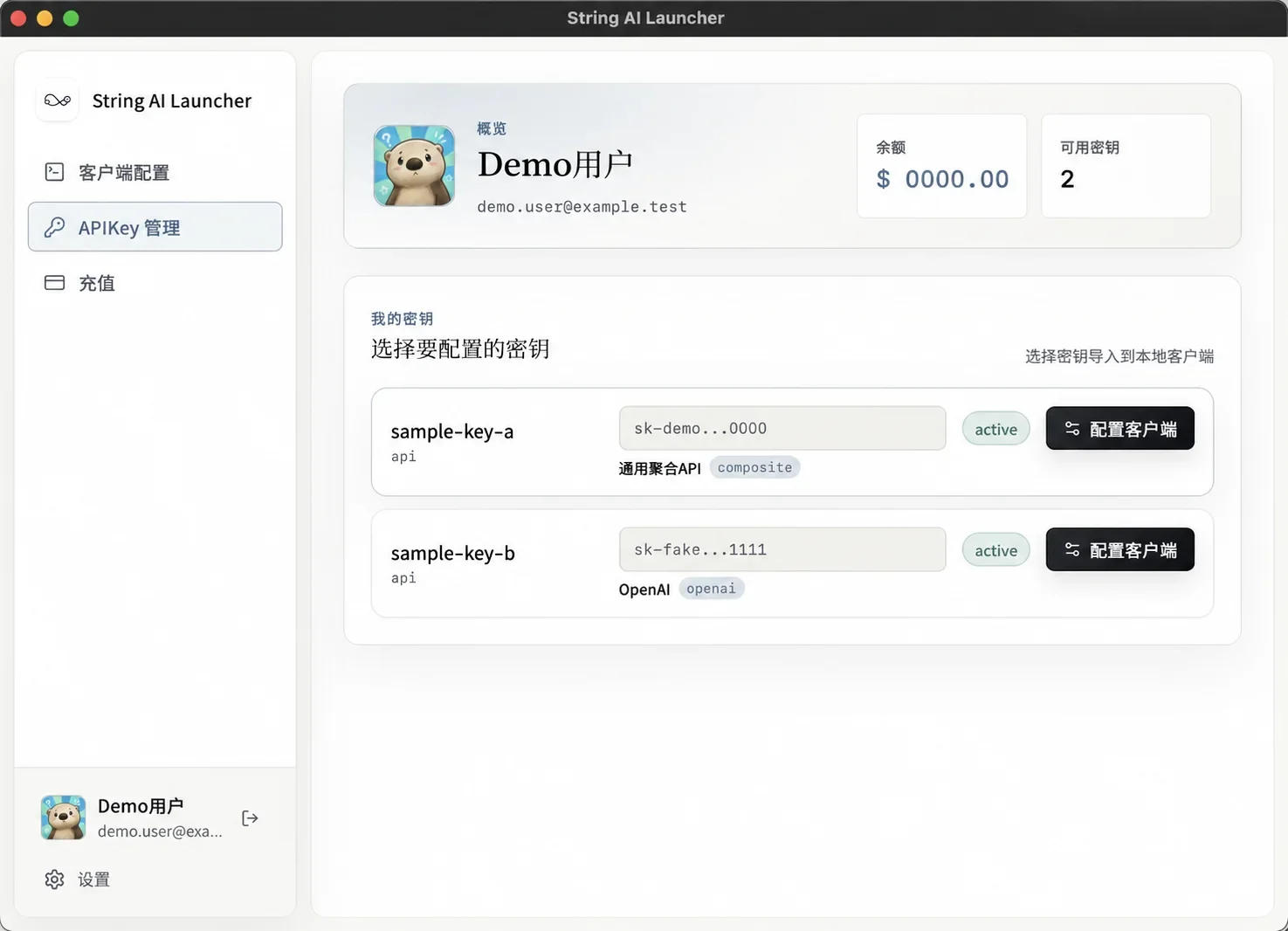
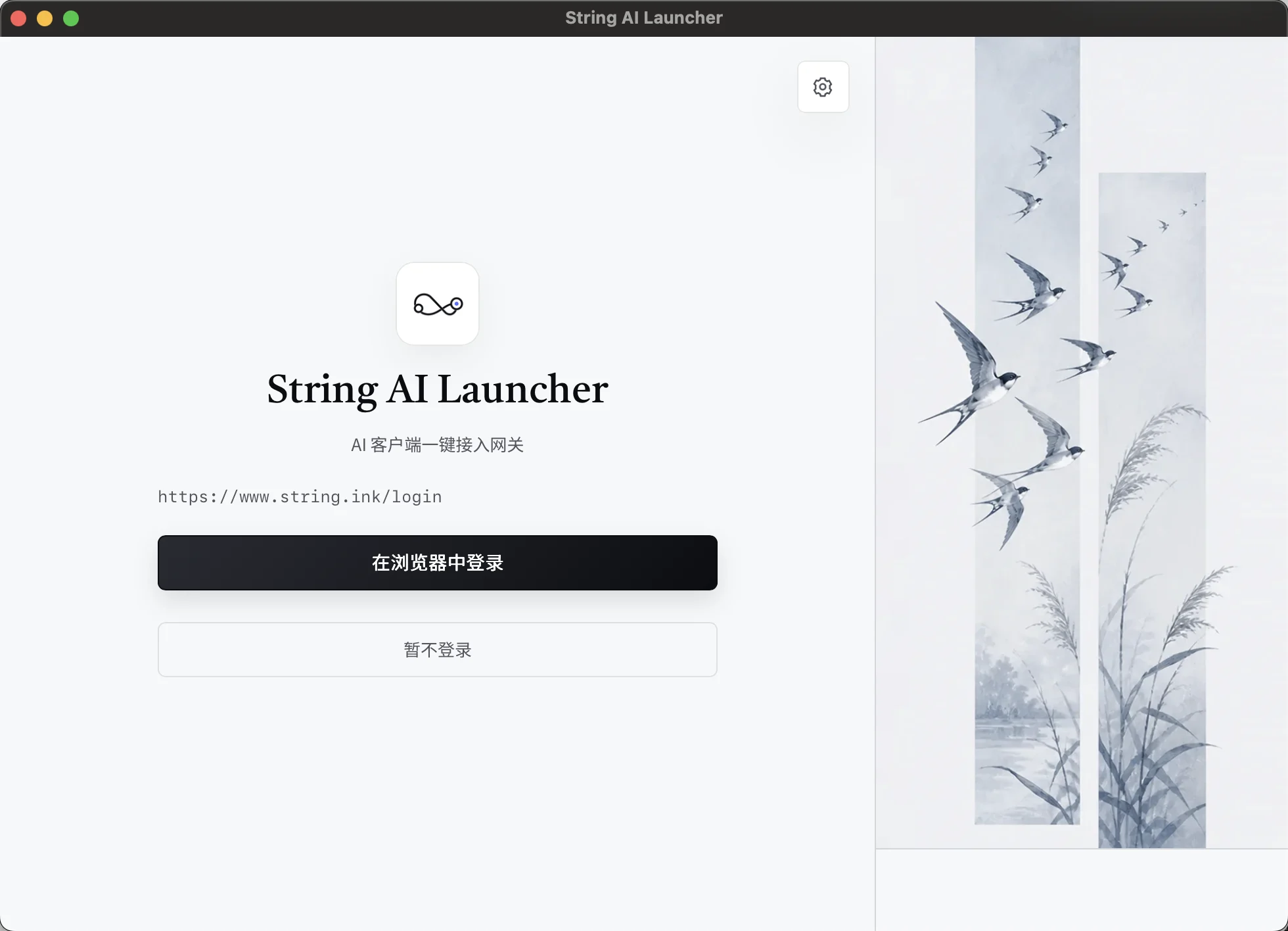
安装、配置、启动,一处完成。连接 String AI,后续版本可在应用内直接更新。 安裝、設定、啟動,一處完成。連接 String AI,後續版本可在應用程式內直接更新。 Install, configure, and launch from one app. Connect with String AI and update in place.
下载 下載 DownloadMac 用户可在“关于本机”中确认芯片类型。 Mac 使用者可在「關於這台 Mac」中確認晶片類型。 Mac users can find their chip type in About This Mac.
请检查网络连接,或稍后刷新。 請檢查網路連線,或稍後重新整理。 Check your connection or refresh again shortly.
适用于 M1、M2、M3、M4 及更新机型 適用於 M1、M2、M3、M4 及更新機型 For M1, M2, M3, M4, and newer Macs
适用于搭载 Intel 处理器的 Mac 適用於搭載 Intel 處理器的 Mac For Macs with an Intel processor
适用于 64 位 Windows 10 和 Windows 11 適用於 64 位元 Windows 10 和 Windows 11 For 64-bit Windows 10 and Windows 11
安装后可在应用“设置”→“检查更新”中获取新版本。 安裝後可在應用程式「設定」→「檢查更新」中取得新版本。 After installation, open Settings → Check for Updates in the app.